Frequent questions
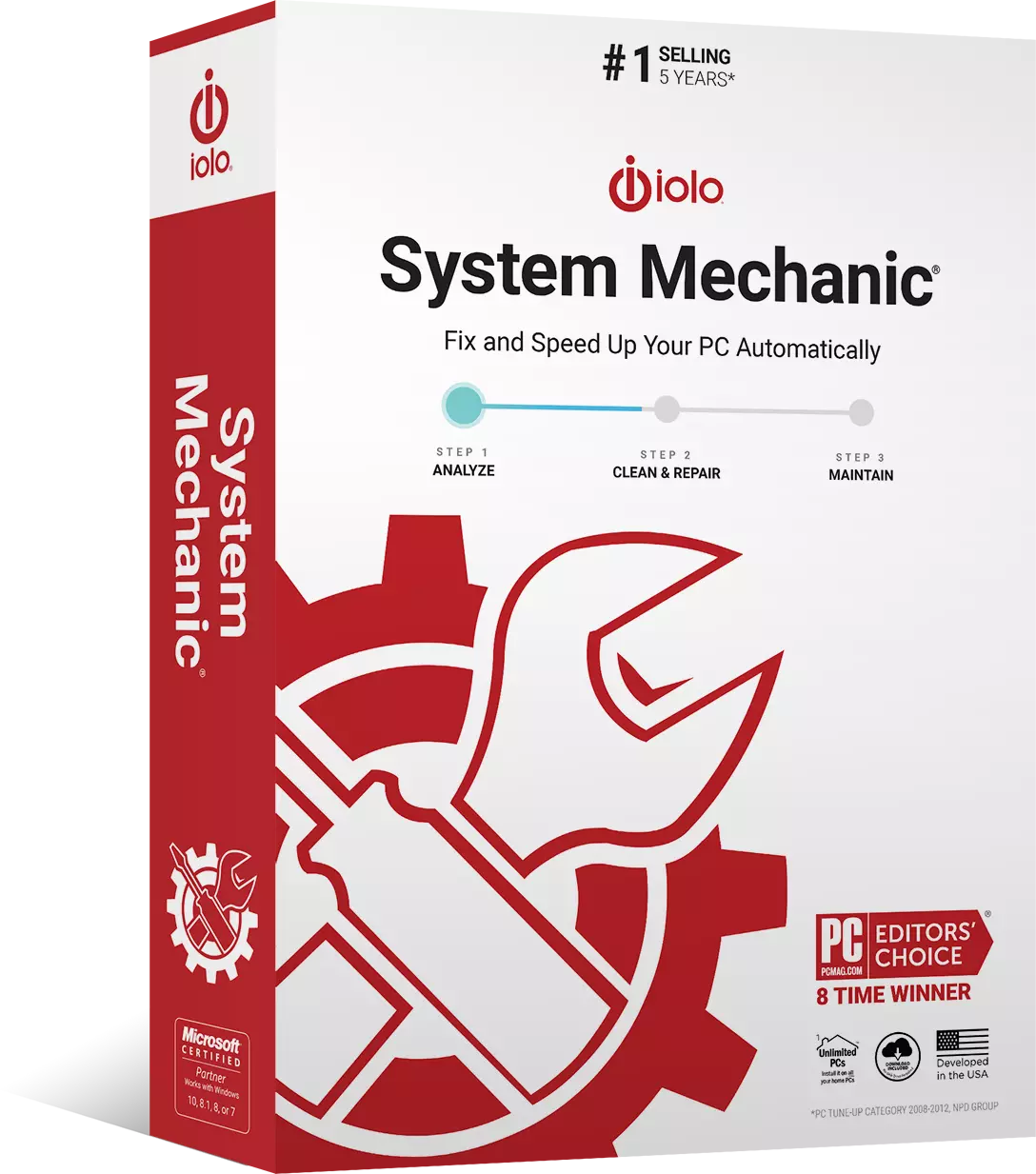
Q. What is the difference between System Mechanic® and System Mechanic
Pro®?
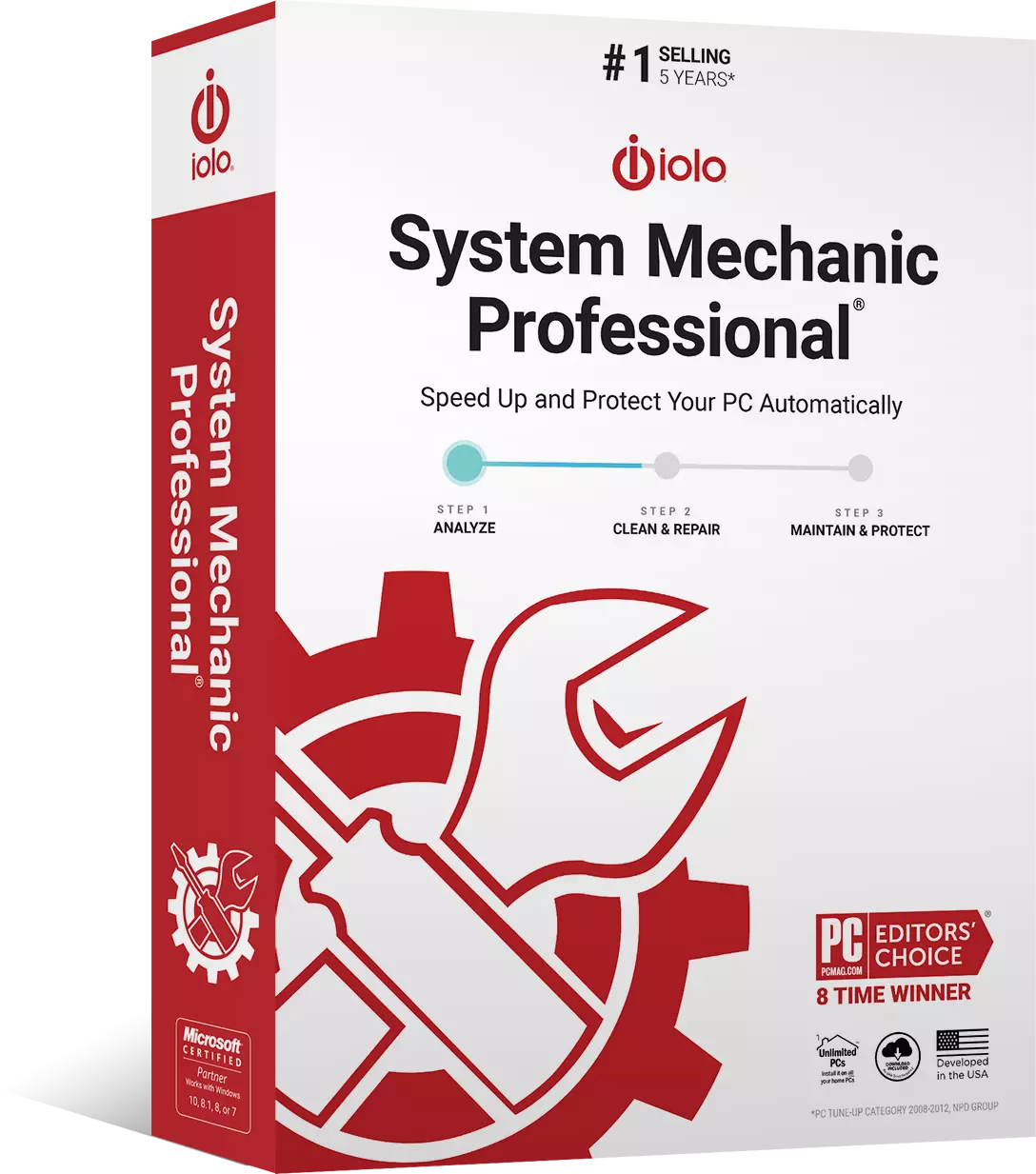
A. System Mechanic Professional includes all the tune-up functionality of
System Mechanic plus 4 more award-winning iolo products, all for one low price.
System Mechanic Pro gives you System Mechanic, plus it includes iolo AntiVirus,
iolo Personal Firewall, DriveScrubber® (with additional advanced data removal
functions), and Search and Recover™ (which recovers previously lost or deleted
data).
Compare iolo products
Q. On how many PCs can I use System Mechanic?
A. The license allows you to install System Mechanic on up to 3 PCs.
Q. What is iolo's support policy?
A. iolo offers unlimited and free technical support.
In an age where paid or time-limited product support is the norm, we break the mold
by offering unlimited telephone and email technical support, all at no cost.
Q. What operating systems does System Mechanic work with?
A. Windows 7, Windows Vista, Windows XP, and Windows 2003 Server.
System Mechanic is designed to work on Microsoft Windows Vista, XP, and 2003 Server
operating systems and has been tested to work on the latest releases of Windows
7. System Mechanic is both 64-bit and 32-bit compatible.
Q. Is a free trial available?
A. Yes, System Mechanic offers fully-functional trial versions
here
System Mechanic trial versions allow you to try out all the features for a limited
time. After your purchase, we'll instantly email an Activation Key to you, transforming
your trial version into fully licensed software.
Go to the free trial download page
Q. What is the advantage of the System Mechanic service plan?
A. The service plan provides customers with free ongoing product enhancements
(including major version upgrades) and the latest Tune-up Definitions™ from
iolo Labs.
Learn more about these
advantages
Q. How is System Mechanic delivered after I purchase?
A. You can choose instant download delivery, a shipped box with CD, or both.
You will receive complete download and activation instructions by email instantly
after you purchase from the iolo web site. Additionally, you may add a physical

box with a CD to your order so you always have a backup on hand.
Q. Can I get a discount on multiple years of System Mechanic service to save
money?
A. Yes, you will have the option to upgrade to a discounted multiple year
service during purchase.
Q. Can iolo automatically renew my System Mechanic service so I don't have
to?
A. Yes, you will have the option to select an auto-renewing service during
purchase confirmation.
This is a convenient service provided to our customers who value uninterrupted peak
performance without having to remember to add time themselves.
Q. Can I purchase a license for more than three PCs in my business or organization?
A. Yes, iolo also offers System Mechanic for 10, 25, 50, 75, 100 or more PCs
as well.
Learn more about System Mechanic Business
Q. What is iolo's return policy?
A. iolo offers a money-back guarantee.
Read our return policy
More questions?
The Customer Care site at www.iolo.com/customercare
is a one-stop resource for all your product questions:
- A searchable Knowledge Base with product tutorials and frequently asked questions.
- Online help systems with detailed instructions on all product features.
- Online contact forms to send specific questions directly to Customer Care.
- Access to all iolo product services, including downloads and subscription renewals.